
 By Admin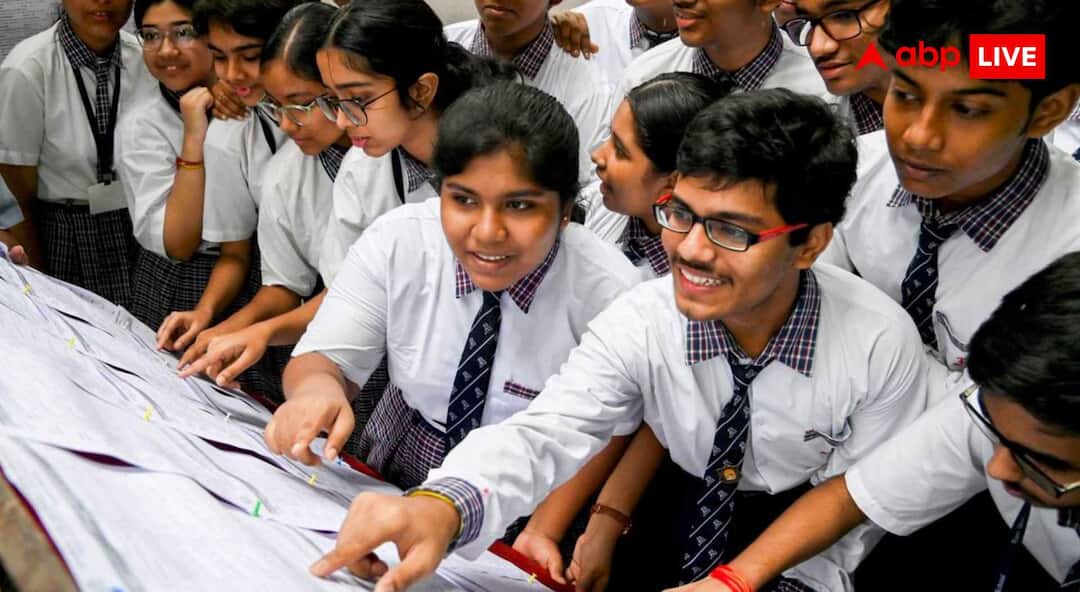
ICSC Result 2026 Date: Like every year, this time too lakhs of students are eagerly waiting for the result 2026 of the ICSE examination conducted by the Council for the Indian School Certificate Examination (CISCE). After the exam is over, the biggest question is that when will the result come and how to check it. At present the board has not announced the official date and time of ICSE Result 2026, but looking at the trend of previous years, it is expected that the result may be released in the last week of April 2026.
Result only official website cisce.org Or results.cisce.org Will be released only on. Students can check their results by going here. After the release of the result, students will be able to easily check it online, but for this they will have to keep their UID (Unique ID) and Index Number ready in advance. So let us know on which day ICSE Result 2026 can be released. How to download marksheet by UID and index number
When will ICSE Result 2026 come?
Last year i.e. 2025, the ICSE result was declared on April 30 at 11 am. On this basis, it is being estimated that the result may be released in the last week of April 2026. However, no official announcement has been made regarding this yet. Its examination was held from 17 February to 30 March 2026. In such a situation, now students are advised to keep checking the official website from time to time.
How to download marksheet by UID and Index Number?
1. First visit the official website to see the result and download the mark sheet. cisce.org Or results.cisce.org Go to.
2. After this click on ICSE (Class 10) Result link.
3. Now enter your UID and Index Number.
4. After entering both of these, fill the captcha shown on the screen.
5. After filling the captcha, click on Show Result.
6. Now your result will be visible on the screen.
7. Now you download the mark sheet or take its print out.
Also read – BRO Recruitment 2026: Vacancy for 899 posts of General Reserve Engineering Force in BRO, know how to apply?
How to check ICSE result through SMS?
If the website is not working then you can also check the result through SMS. For this message ICSE in your phone.
How to download marksheet from DigiLocker?
1. You can also download digital marksheet. For this, first open the DigiLocker app or website.
2. Now login into it.
3. Login and select ICSE Class 10 Result section.
4. Fill your required information and download the digital marksheet.
Also read – CBSE 10th Result 2026: CBSE 10th result can be released anytime, check from this direct link
Education Loan Information:
Calculate Education Loan EMI