
 By Admin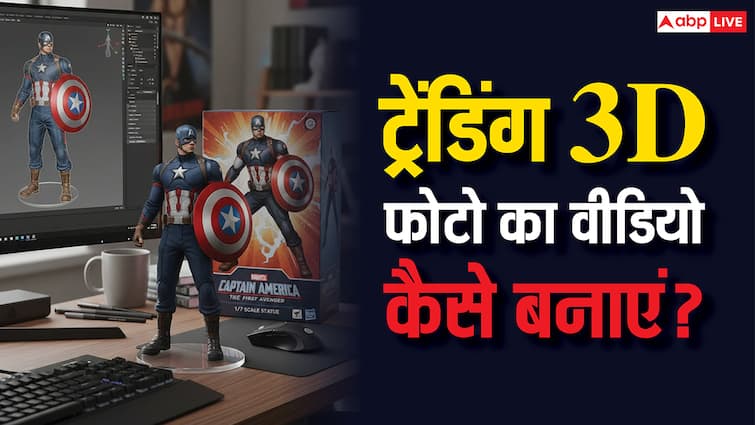
Be it Instagram Story or WhatsApp status, Mini 3D Collectable Image (Nano Banana 3D Figurine) has been seen everywhere for the last one or two days. From celebrity to common people, everyone is participating in this trend. Its special thing is that it can be made without any technical skill and no money has to be spent for it. That is why people are sharing their 3D images. Today we are going to tell you the easy way to convert these images in the video for free.
How to make Nano Banana 3D Figurine?
Google’s Gemini 2.5 Flash Image Tool is named Nano Banana. This tool can create a 3D image that looks very real. If you want to make Nano Banana 3D Figurine, then you will have to take help of Gemini app or website. To create an image, go to Google Gemini’s app or website and upload your image. After this, you have to put a prompt to make it 3D Figurine. For this, Google has shared a sample prompt on X. Shortly after giving the prompt, 3D Figurine will be ready for you.
From photo to Figurine style in just one prompt.
People are having fun turning their photos into images of custom miniature figures, thanks to nano-banana in gemini. Try a pic of yourself, a cool natural shot, a family photo, or a shot of your pup.
Here’s how to make your own 🧵 pic.twitter.com/e3s1jrlbdt
– Google Gemini App (@Geminiapp) September 1, 2025
How to convert the image to the video?
There is an easy and free way to convert 3D Figurine to the video. In this, Grok AI can help you. For this, open the app of Groke AI. Now upload 3D Figurine in it and write the Make Video in the Prompt. Your video will be ready with a sound clip in a few seconds. You can also refine it or save it in the phone if you like it.
The second method is Kling AI’s website or app. Go to its website or app and sign. Now tap on the video option seen in the left-hand corner. Now you will be asked to upload the image. Upload the image in the box and write a prompt to generate the video. In a few seconds the video will come in front of you.
Also read-
This country created AI minister, will help in fighting against corruption to prevent penetration in government contracts