
 By Admin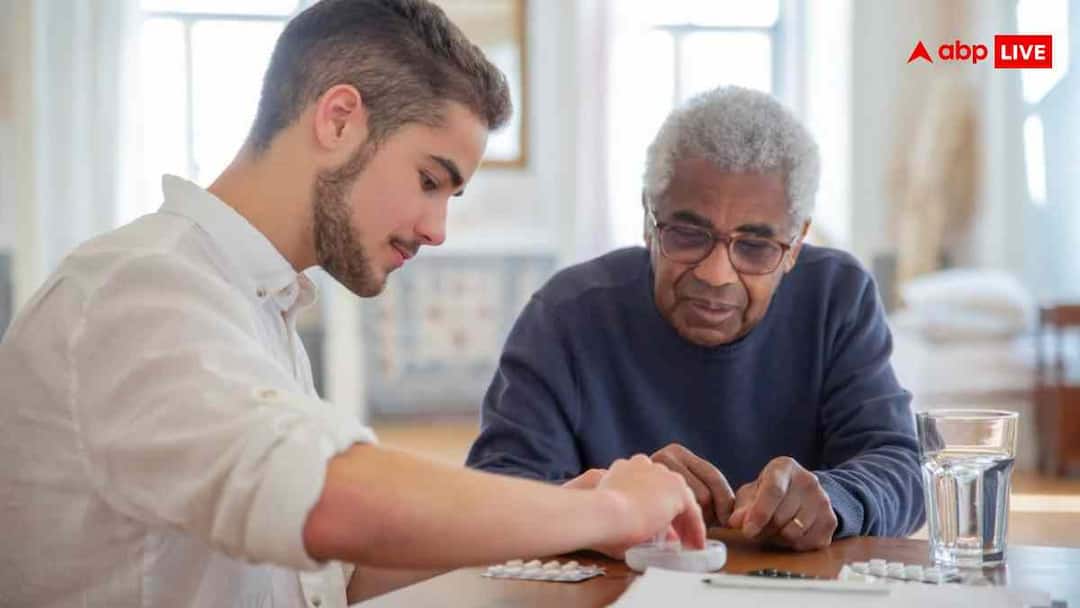
Now the government has announced a big relief for crores of pensioners of the country. Earlier, pensioners had to go to the bank or government office every year and submit their life certificate. Now this work can be done digitally from mobile, sitting at home. Life certificate is a document which proves that the person taking pension is alive. Earlier it had to be deposited in physical form, but now the government has made it completely digital.
This digital form is called Digital Life Certificate, which can be created online through Jeevan Pramaan App. The Union Minister has recently launched the Digital Life Certificate Campaign 4.0. The aim of this campaign is to provide this digital facility to more than 2 crore pensioners across the country. This campaign is being run in more than 2000 cities of the country so that elderly, disabled and pensioners living in remote areas do not need to go to banks or government offices. So let us know how to get life certificate made online.
Special facility for elderly and disabled pensioners
The government has started door step service for senior citizens above 80 years of age and disabled pensioners, that is, now bank or post office employees or agents of India Post Payments Bank (IPPB) will come to your home and make your digital life certificate. With this, the elderly will not have to face the trouble of standing in queues and their pension will be credited to their account on time.
At the same time, Employees’ Provident Fund Organization (EPFO) has also made this process easier for its pensioners. Now EPFO members can also submit their digital life certificate directly by scanning the face from mobile. This facility is especially useful for those people who are unable to go out of the house due to health or age.
How to get life certificate made online?
1. To get life certificate made online, download Aadhaar Face RD App and Jeevan Pramaan App in your mobile.
2. After this open the Face RD app and scan your face.
3. Now open Jeevan Pramaan App again.
4. Enter your Aadhaar number, mobile number here and verify with OTP.
5. Now take your photo with the camera and submit it.
6. Within a few minutes you will get the download link along with the certificate ID and PPO number.
Read also Want to vote in Bihar elections? Download Voter ID from Digilocker like this, see the complete process