
 By Admin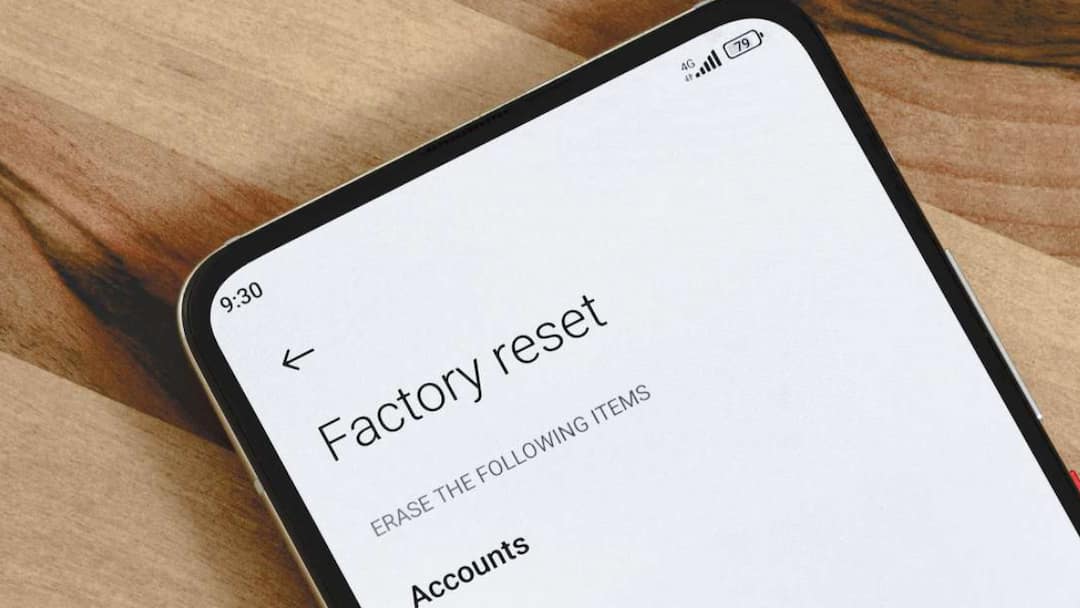
Be it Android or iPhone, they become slow after using them for a long time. So many files are stored in them that it takes time for the phone to process them. Due to this, problems like late response start appearing in old phones. Sometimes this gets fixed by updating the software, but sometimes a factory reset has to be done. As soon as you do a factory reset, the speed of the phone becomes like new. Today we will know what a factory reset means and when you should factory reset your phone.
What does a factory reset do?
Factory reset clears the hidden junk of the phone and can reduce the load on the processor. This also fixes problems like phone freezing, random restart, rapid battery discharge and app crashing. As soon as you reset your phone, it becomes exactly the way you bought it. It also removes apps, settings and cached data etc.
When should you factory reset your phone?
If your phone is shutting down frequently or is very slow and is facing problems like overheating, rapid battery discharge and crashing of apps, then you can do a factory reset. Sometimes these problems can be resolved by software update or freeing up storage etc., but if these basic fixes are not working then you can factory reset the phone. Keep in mind that doing a factory reset will erase all the data on your phone. Therefore, before resetting, make sure to take a backup of the data.
What should be done after resetting?
After factory resetting the phone, you should install only those apps which you need daily. With this, your phone will remain clean and storage will also be saved, due to which there will be no problem of the phone slowing down again.
Read this also-
iOS 27 Update: Apple is bringing 9 new emojis, not 1-2, you will like it as soon as you see it