
 By Admin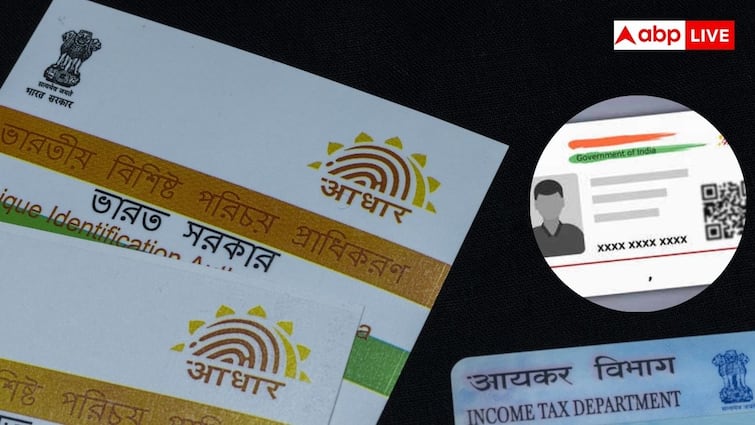
In India, now it is very important to link every document with an ID and this ID is Aadhaar ID. Now it is necessary to link Aadhaar card everywhere from bank account to DigiLocker. But sometimes the details in this Aadhar card also become wrong. Apart from this, biometrics is required to link Aadhaar with banks and other things.
In such a situation, UDAI also gives you a chance to correct and update these details. In this, you have to go to the Aadhar Center to get your Aadhar Card made and updated. But do you know where the Aadhaar center of your city is? Let us tell you how you can find out about the Aadhaar center of your city in a jiffy?
Find out with the help of pin code
If you want to know the nearest Aadhaar center to your area, then you can find it in a jiffy with the help of the pin code of your area. For this you have to follow these steps-
1. First of all go to the official website of Aadhar Card, uidai.gov.in.
2. Then you have to go to the section of ‘Get Aadhaar’ and click on the option of ‘Locate an Enrollment Centre’.
3. After this a new page will open on your screen where you will see three options.
4. In these options you will see the option of state, postal pin code and search box.
5. Here you have to click on the postal pin code.
6. After this, a new page will open on your screen, where you have to enter the 6 number PIN code of your area.
7. Then you have to fill the captcha code and click on ‘Locate a Centre’.
8. As soon as you click, a list of all the Aadhaar centers present in your area will appear on your screen.
Update at home
Apart from this, now with modern technology you can update your Aadhar card sitting at home and there is no need to go to the Aadhar center for this. You can change your address in Aadhar card online only. For this you will need your valid documents. After this you can update your address by visiting the official website of Aadhar Card.
Read this also: If you burn these firecrackers in Delhi-NCR, you can face jail, know the rules