
 By Admin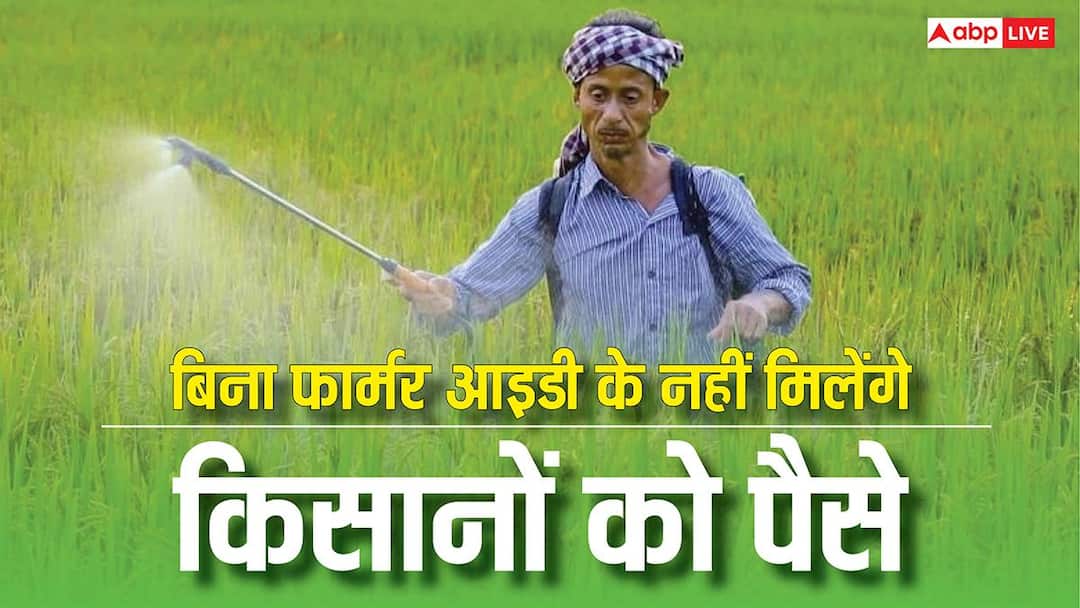
Farmer ID Process: Crores of farmers live across the country. Many of these farmers are not financially prosperous. The Government of India is running many schemes for similar poor and marginal farmers. So that the income from farming can get some support. PM Kisan Samman Nidhi Yojana was also started for the same purpose. In which eligible farmers are given Rs 6000 every year. But now under this scheme, a digital identity of the farmers will be necessary.
Farmer ID is being introduced under this system. Farmers who do not have this ID. Their installment may get stuck or payment may stop. The government says that with this the benefits of the schemes will reach the right person. Besides, problems like fake names and duplicate entries will also be curbed. That means now every farmer needs to get a Farmer ID. Know how to get Farmer ID made.
Why has Farmer ID become necessary?
Farmer ID is actually a complete digital profile of the farmer. Almost all the important information related to farming is recorded in it. Like how much land does the farmer have? Where are the farms, which crops are grown, how seeds and fertilizers are used, details related to animal husbandry and income from farming. On the basis of this data, the government will decide which farmer is eligible for which scheme.
The amount of PM Kisan Samman Nidhi will also be linked to this ID. The advantage of this will be that the help money reaches the right farmer’s account without any interruption. With this, identification of fake registrations and those taking wrong benefits will become easier. In the coming time, most of the benefits related to agricultural schemes, subsidies and insurance can be given through this Farmer ID.
What is the process of making Farmer ID?
To get a Farmer ID, a farmer will have to go to the AgriStack Portal of his state. There you have to click on the option to create a new user. After this, the KYC process has to be completed by entering the Aadhaar number. After this the form has to be submitted. Then verification is done with the OTP received on the mobile number linked to Aadhaar. After completion of verification, verification has to be done through OTP by entering the mobile number again. Now set a new password and save it. With this your user ID is created.
After login, select Owner option in Farmer Type and click on Fetch Land Detail. Here Khasra number and complete information related to the land has to be filled. If a farmer has more than one farm, it is important to give information about all of them. After correct information is entered, Farmer ID is created and the farmer is ready to take benefits of government schemes.
Also read: ITR can be filled with late fees till 31st December, if you have not filled it yet then know the method.