
 By Admin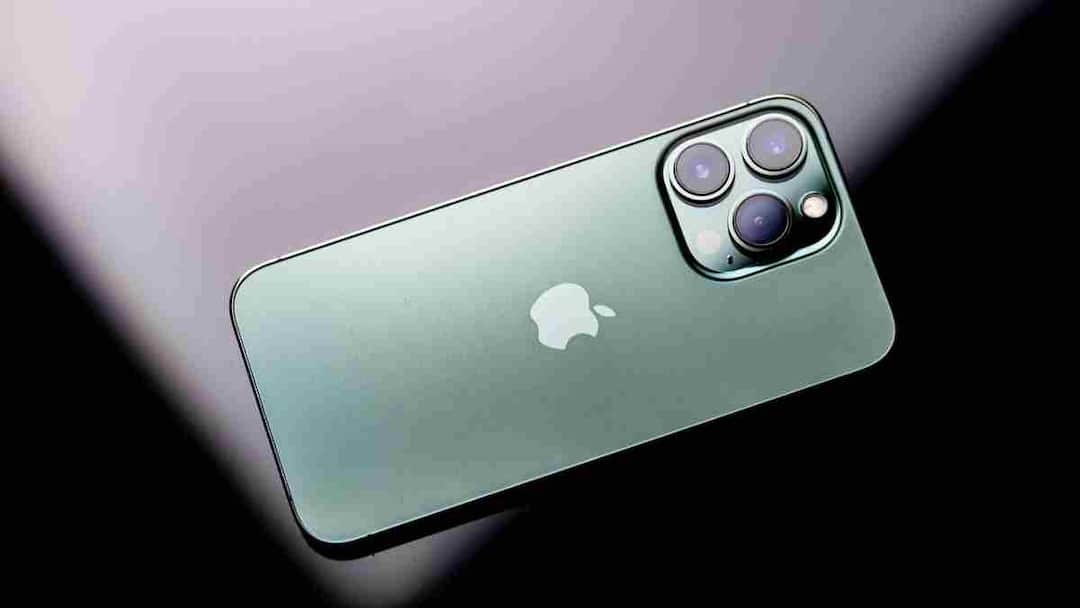
Apple iPhone: Apple always hides many amazing features in its iPhone and iOS updates that most users never know about. These features are neither seen in advertisements nor mentioned in any launch event but they make everyday use very easy. If you want to make your iPhone smarter, try the settings mentioned below.
Text editing will now be easy
Sometimes it seems very cumbersome to place the cursor at the right place in the middle of a word or letter. But Apple has hidden a great trick for this. Simply press and hold the Space Bar on the keyboard and your keyboard will turn into a trackpad. Now you can move the cursor very precisely by sliding your finger here and there. This method is much easier and faster than tap and drag.
Turn off keyboard sounds without silencing the phone
If the clicking sound of the keyboard bothers you while typing, then there is no need to put the entire phone in silent mode to turn it off. You go to Settings → Sounds & Haptics → Keyboard Feedback and turn off Sound there but leave Haptics on. With this you will feel slight vibration while typing but no sound will be heard.
Launch shortcut from Apple logo
The Apple logo on the back of your iPhone is not just for looks, but you can turn it into a shortcut button.
For this go to Settings → Accessibility → Touch → Back Tap and then select Double Tap or Triple Tap. Now if you want, you can set it to take screenshots, open the camera or launch the Control Center. This feature may seem small but is very useful.
Control the brightness of the flashlight
Most users simply turn the flashlight on or off, while its brightness can be adjusted. Open Control Center and press and hold the Lantern icon, a slider will appear allowing you to increase or decrease the intensity of the light. Whether you want to read a book in dim light or find a key in the dark, this trick is very useful.
Get rid of Notification Badges
The small red notification dots visible on every app sometimes make the screen cluttered. You can close them easily. Go to Settings → Notifications, select the app and turn off Badges. This will make your home screen look cleaner and less disturbing.
Also read:
These apps present in your phone spy on you, know how to protect your privacy