
 By Admin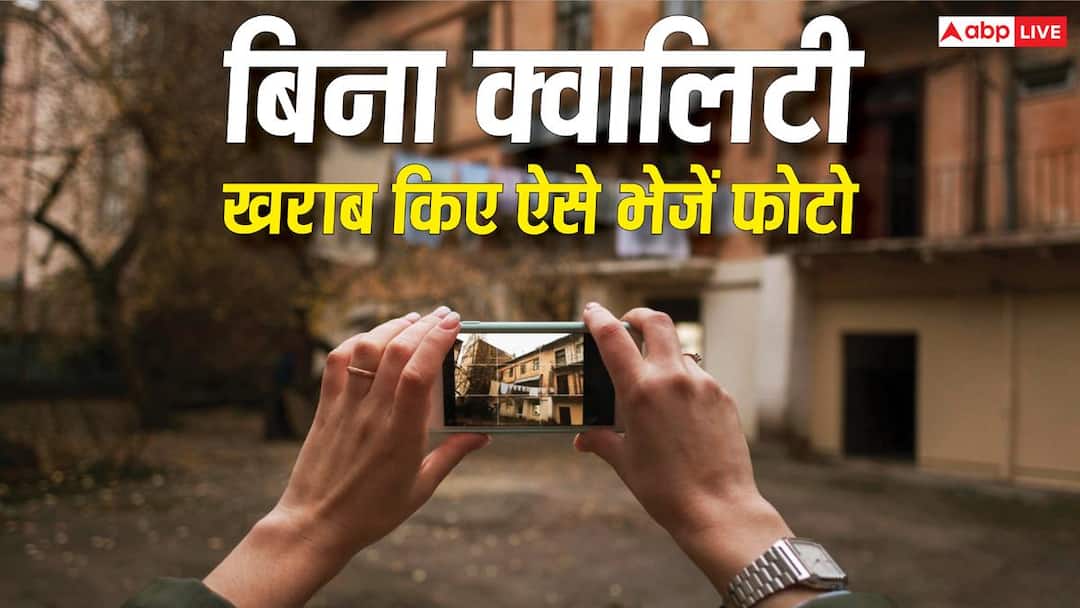
- Share high quality photos from cloud storage to friends.
- The quality of photos is preserved when sending them by email.
- Send files via AirDrop or Quick Share without losing quality.
- Sending photos as documents on WhatsApp will not reduce the quality.
Photo Sharing Tips: You went to some place, your friend clicked a photo, but by the time it reached you, the quality of that photo had completely deteriorated. Surely this must have happened to you many times. If the correct method is not adopted while sharing photos, the quality is bound to deteriorate. Actually, apps like WhatsApp compress photos, due to which both the size and quality of the photo reduces. Today we are going to tell you how you can share photos without spoiling the quality.
Cloud storage will be useful
Cloud storage is very useful for storing and sharing photos. Google’s Photos app for Android and Apple’s Photos app for iPhone users gives you the option to back up photos and videos on a digital server. You can access them by taking ID password. You can take photos on your phone and store them on the cloud. Then by giving cloud access to your friends, they will also get the option to download high quality photos.
Send photos by email
Most people use email for office work. You can also send photos through this and there will be no need to compromise on quality. However, for this you need to keep the size limit in mind. If you share a photo according to the size limit, its quality does not reduce.
Take help of Airdrop and Quick Share
If we talk about sharing photos and other files, it cannot happen without mention of AirDrop and Quick Share. Apple users can share files and photos through Airdrop without reducing the quality. Similarly, Android users can transfer photos using Quick Share. Till some time ago, AirDrop used to work only on iPhone, but now this restriction has been removed. Now AirDrop works on both iPhone and Android.
This jugaad will be useful on WhatsApp
If you share photos or videos directly through WhatsApp, both their size and quality get reduced. To avoid this, you can use a solution. When you have to share a photo or video, choose the document option instead of sending it through the photo option. In this, photos and videos will be shared in their original size and quality. This method will work on WhatsApp as well as other messaging apps.
Read this also-
Trying to keep iPhone 18 Pro cheap, will the display quality be reduced?