
 By Admin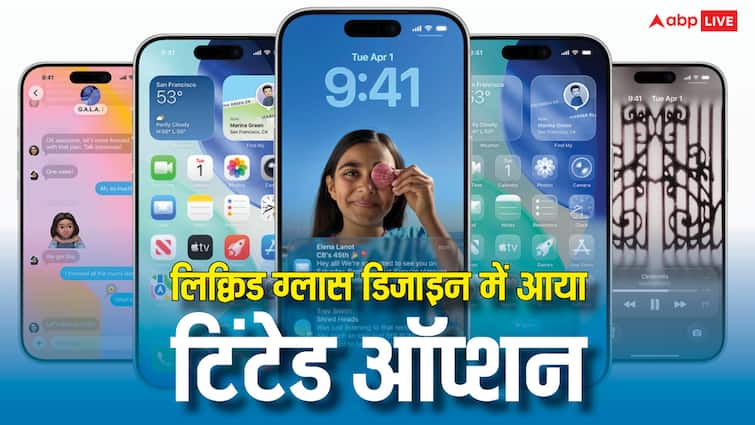
Apple rolled out the iOS 26 update about a week after the launch of the iPhone 17 series. In the biggest visual update till now, Apple has given liquid glass design, but many users did not like this design. Now Apple has given the option to customize it. With its help, users will be able to change liquid glass from completely clear to completely tinted. This feature, which comes for mobile and desktop versions, can be enabled by going to settings.
Users had these complaints due to the new design
Many users said that due to the liquid glass design, it became difficult to see many parts of the interface properly. This problem was more prevalent in notifications and navigation controls etc. in Apple Music and other apps. Apple said that many users said that they needed an opaque look for the new design. After this, a new update is being brought, through which users will be able to personalize the liquid glass as per their choice. This new feature will be rolled out for users in iOS 26.1 beta 4.
This way you will be able to activate the tinted look
To access this feature, users will have to go to the Settings of the iPhone and go to Display and Brightness. In this they will see the liquid glass menu. By going into this, users will be able to choose a look between clear and tinted. Choosing a tinted look will increase the opacity of the interface, making it easier to see app icons and other elements. On MacBook, this feature can be accessed from the Appearance section of System Settings.
Dark mode will also be useful
Till this feature arrives, the liquid glass design can be improved in another way. Instead of light mode, this design looks better in dark mode. To enable dark mode on your iPhone or iPad, tap Display & Brightness in Settings. Here you will see the option to turn on dark mode.
Read this also-
New feature in WhatsApp, now you will be able to post status by generating images with AI, know the method