
 By Admin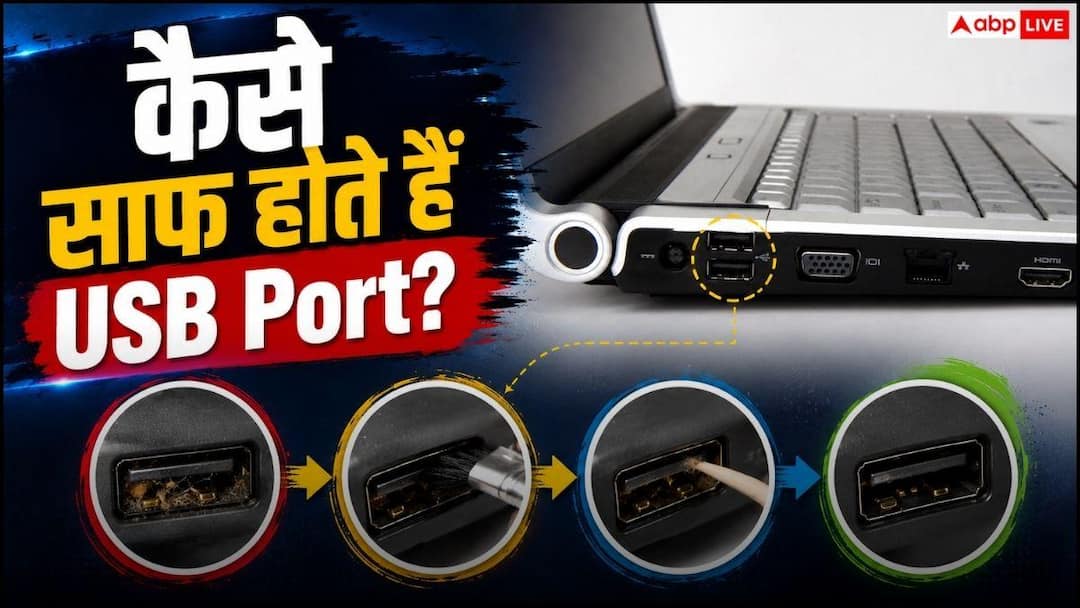
Let us tell you that over time, dust, soil and clothing fibers accumulate in the USB port, which causes problems in charging or data transfer. But if you clean the USB port properly then your device will continue to work smoothly for a long time.
Actually, some important things should be kept in mind while cleaning the USB port. The most important thing to do before starting cleaning is to switch off the device completely. If you are cleaning the USB port of a desktop computer, then unplug it from the power plug as well. This reduces the risk of any kind of loss.
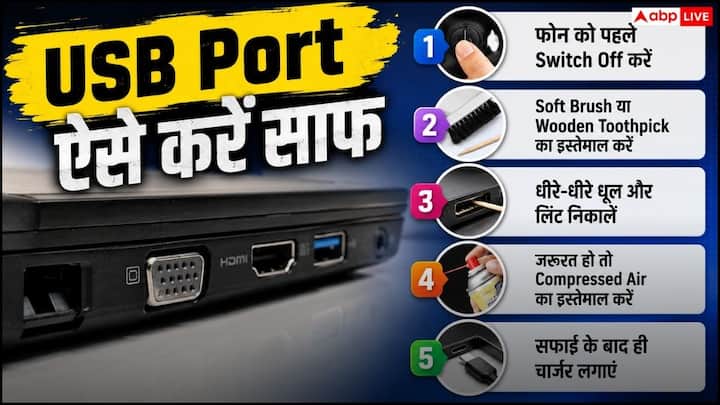
After this use a wooden or plastic toothpick. Move it very carefully inside the USB port to remove any dust or trapped fibers. Be careful not to apply too much force as this may damage the small connector pins inside the port.

Apart from this, if you have a can of compressed air, then with its help the dust accumulated inside the port can also be taken out. However, do not press the air spray continuously for a long time otherwise the internal parts may get damaged. Spray only in small amounts so that the connectors inside remain protected.

For information, let us tell you that you should not clean the USB port every few days. You should clean it only when dust or fibers are clearly visible inside the port or if problems related to charging and connectivity start appearing.
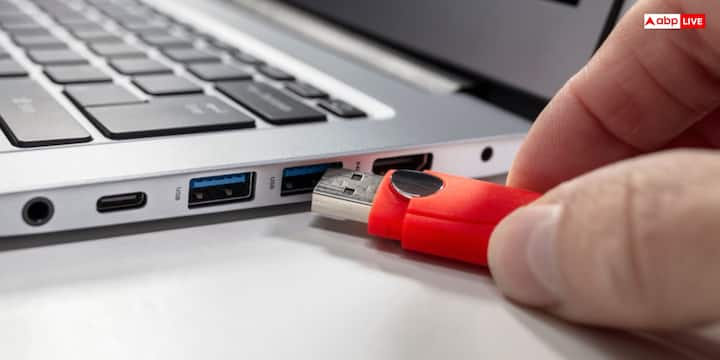
If the smartphone is having trouble charging, the laptop is not recognizing any USB device or the connection of the keyboard and mouse is becoming weak, then it could also be due to accumulation of dirt in the USB port.
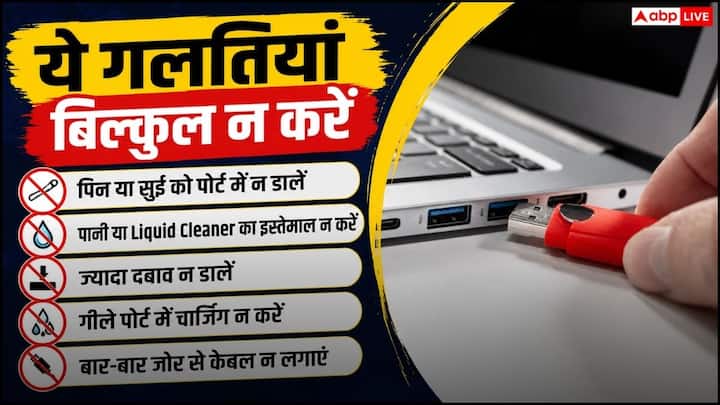
Let us tell you that never use WD-40 or any other lubricant to clean the USB or charging port. This can damage the electronic parts and later your port may get damaged quickly. Similarly, avoid using household cleaning spray, bleach or any kind of liquid. These can cause short circuit and damage the device.
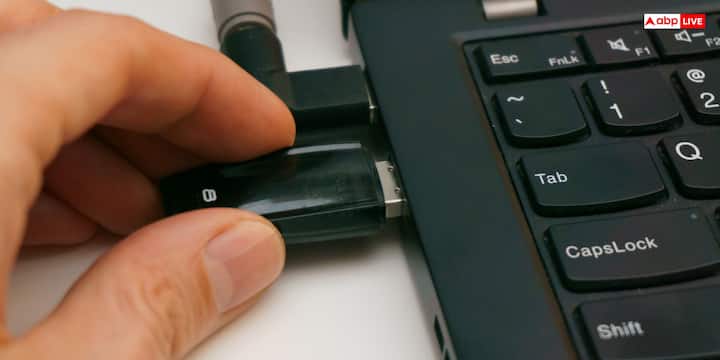
If you use a cotton bud (Q-Tip) to clean the port, then this is also a wrong method because small cotton fibers can get stuck inside the port due to which the connectors do not work properly. Apart from this, one should not make the mistake of cleaning the USB port with paper clip, safety pin or any sharp metal object.
Published at : 27 Jul 2026 02:45 PM (IST)