
 By Admin
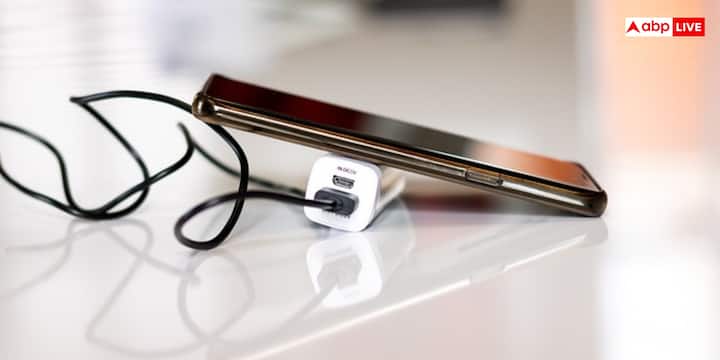
Let us tell you that first of all check whether you are using the original charger and USB cable that comes with the phone or not. If you do not have the original charger then buy a certified charger of the same wattage. The phone charges slowly when a low power charger is used.

Apart from this, the option of Fast Charging, Super Fast Charging or Turbo Charging is available in many Android smartphones. Sometimes this feature gets turned off by mistake. To turn it on, go to Settings and then open Battery or Battery & Device Care option. Now go to Charging Settings and enable Fast Charging or Super Fast Charging. If this option is turned off then the phone will charge at normal speed only.
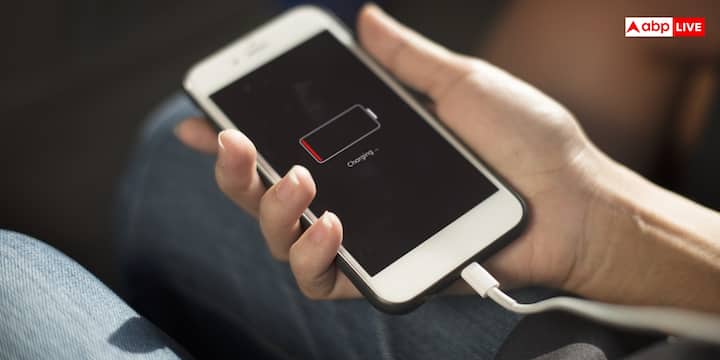
Let us tell you that if the phone is consuming more battery in the background while charging, then the charging speed reduces. In such a situation, by turning on Battery Saver or Power Saving Mode, background activities are reduced and the battery starts charging faster.
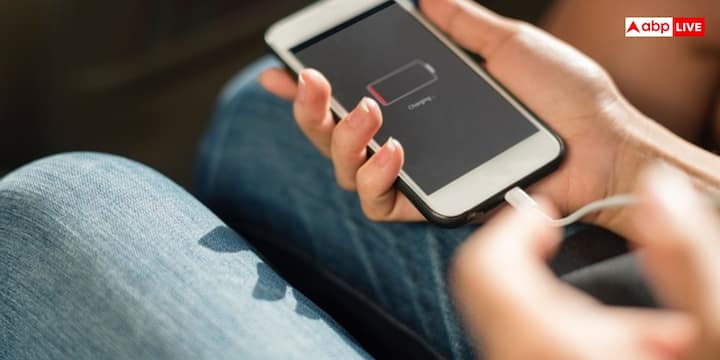
For your information, let us tell you that many people watch videos, play games or use social media while charging. Due to this, along with charging the battery, it also keeps on draining. Due to this, there is extra load on the phone and along with the charging speed of the phone, the phone also starts heating up rapidly. In such a situation, if you want to charge the phone quickly then do not use the phone during charging.
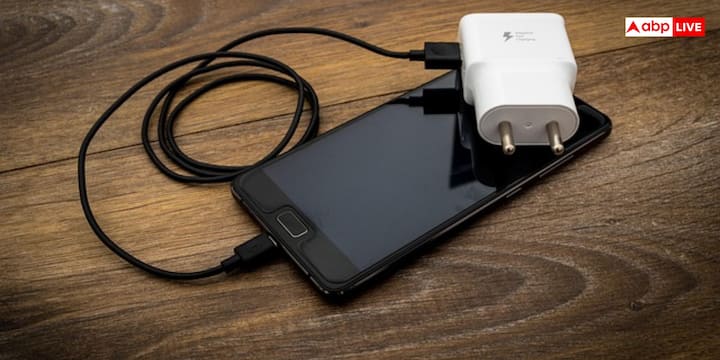
Along with this, if you have to charge the phone in a very short time, then turning on Airplane Mode can also prove to be a better option for you. Due to this, mobile network, Wi-Fi, Bluetooth and many other services also stop, which reduces battery consumption and also speeds up charging.
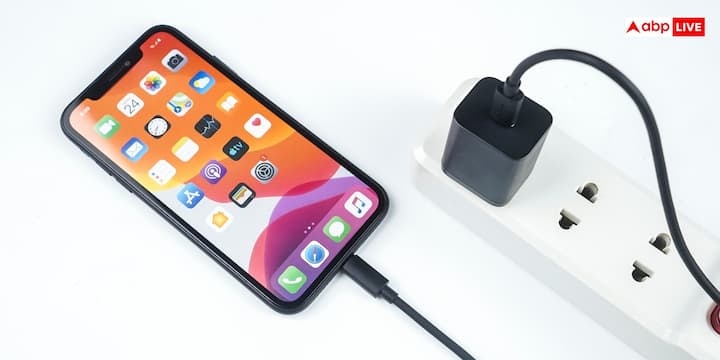
Many apps continue to run in the background even after being closed. They use the internet, location and processor, which drains the battery. For this, you can reduce the background activity of useless apps by going to Settings, Background Activity or Battery Usage section.
Apart from this, battery consumption also increases due to screen being on during charging and high brightness. In such a situation, if it is necessary to use the phone, then keep the brightness low and use Auto Brightness.
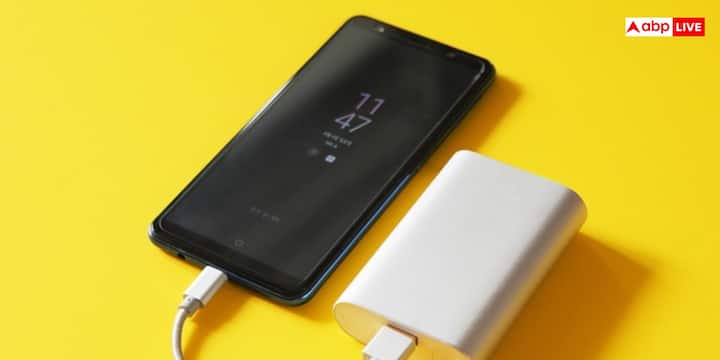
If the phone gets too hot while charging, then for safety reasons many smartphones automatically reduce the charging speed. Therefore, the thick cover can be removed for some time. Charge the phone in a cool and ventilated place. Avoid charging in sunlight or hot places.
Published at : 28 Jul 2026 05:24 PM (IST)